
Turning distorted 360° footage from an aerobatic flight into something watchable.
About a year ago as a treat for my big birthday, my mate Stu took me up to do some aerobatics. I’d never been in a light aircraft before and was a bit nervous about the aerobatics bit. I am not a massive fan of heights.
Stu is an accomplished pilot and cool as a cucumber, I had a whale of a time, and I felt safe throughout.
The plane had a 360º camera installed, so we got some footage of the flight. The problem was that the video was fisheye, and I didn’t have the right software to dewarp it.
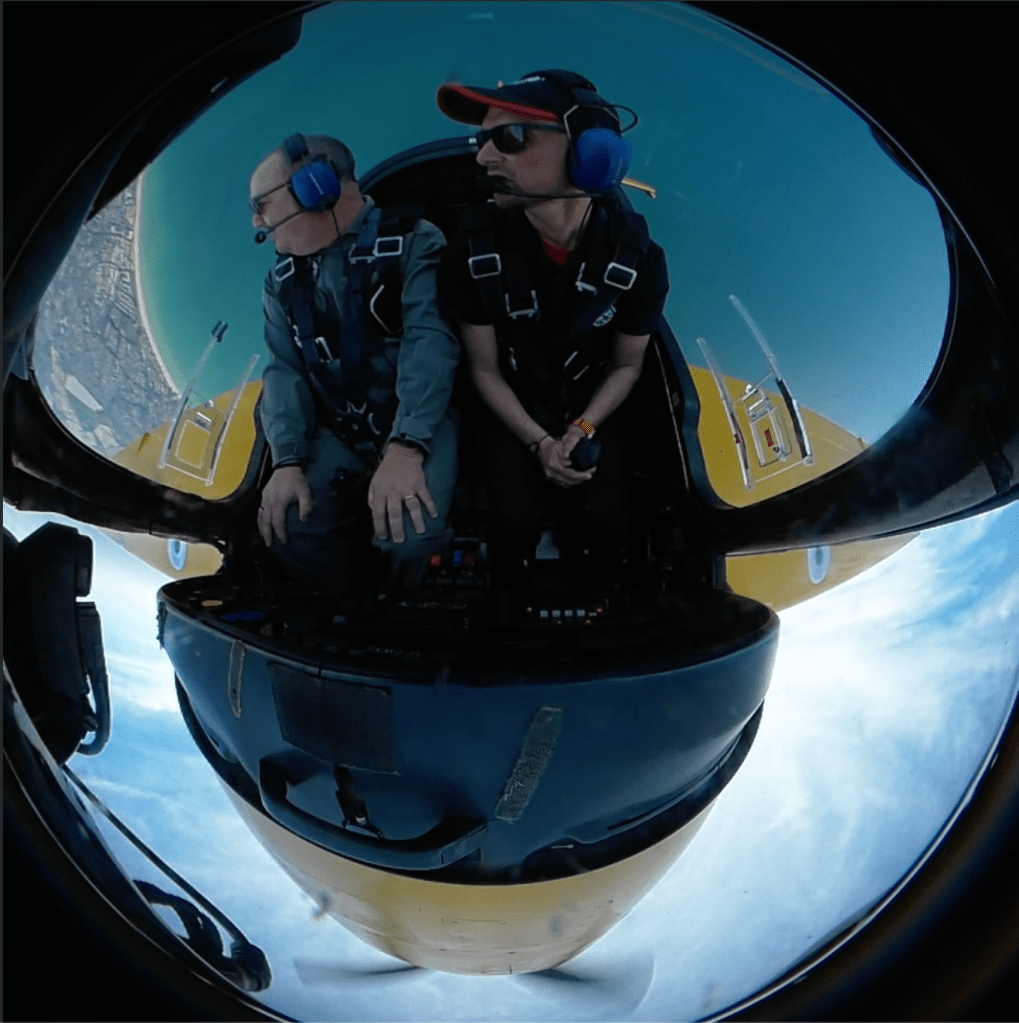
I spent hours trawling the internet for the answer and downloaded several apps onto my Mac, in the hope of sorting it out. In the end I gave up, posted some of the fisheye footage and forgot about it.
This weekend I was spring cleaning my Mac’s desktop and came across the files, and a thought struck me… could ChatGPT help me figure it out?
The problem, it turns out, is that dewarping fisheye or 360° footage isn’t always straightforward. A lot of consumer video tools assume you’re using a specific camera (GoPro, Insta360, etc.) and rely on built‑in lens profiles. If you’ve just got a raw video file with heavy fisheye distortion, most of those tools don’t know what to do with it.
What I eventually discovered is that the solution lies in a command‑line tool called FFmpeg, which can reproject 360° video into a normal camera perspective — once you know the right incantation.
Step 1: Realising I Needed the Command Line
This particular Mac is relatively new and I’ve mostly been using it for everyday stuff, so I hadn’t done any serious command‑line work on it yet. No Homebrew, no developer tools, nothing.
So the first job was getting the machine ready.
- Install Apple’s command‑line developer tools
- Install Homebrew
- Brew install ffmpeg
Step 2: Learning the Terminology
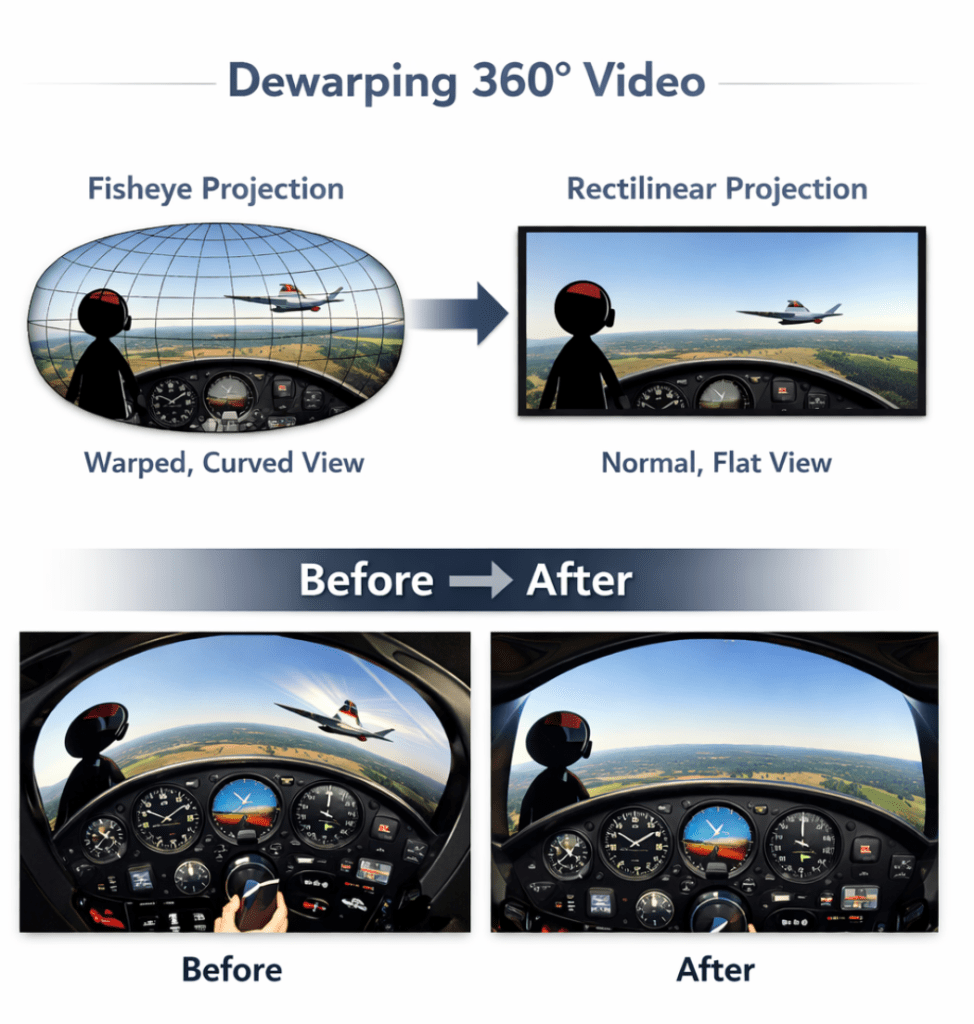
I kept referring to the footage as “fisheye”, which is broadly correct, but the more precise term for what we wanted to do is rectification or dewarping, converting a fisheye projection into something closer to a normal perspective.
Step 3: First Attempts (and Failures)
Our first attempts used FFmpeg’s lens correction filters:
ffmpeg -i input.mp4 -vf lenscorrection output.mp4
The problem is that lenscorrection expects known distortion parameters, and we didn’t actually know the lens profile. The result looked… wrong.
Step 4: Realising It Was 360° Footage
After looking more closely at the footage, it became clear that this wasn’t just a normal fisheye lens.
It was actually 360° footage flattened into a projection. What we needed was to extract a normal perspective from that spherical video.
Step 5: The Breakthrough
FFmpeg has a filter called v360 designed specifically for converting between 360‑video projections.
That turned out to be the key.
The Command That Finally Worked:
ffmpeg -i input.mp4 -vf “v360=input=fisheye:output=rectilinear:fov=120” output.mp4
Key parameters:
– input=fisheye
– output=rectilinear
– fov=120 (controls the field of view)
You can also tweak:
yaw – pan left/right
pitch – tilt up/down
roll – rotate horizon
We had to make a couple of tweaks to get the camera angle right, the first couple of attempts had me saying “it’s good, but it’s not right” like Roy Walker.
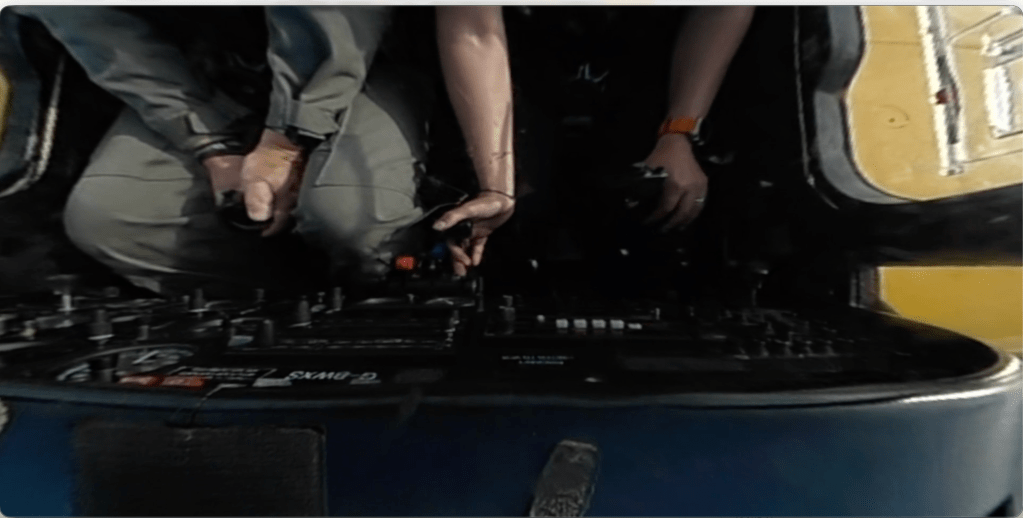
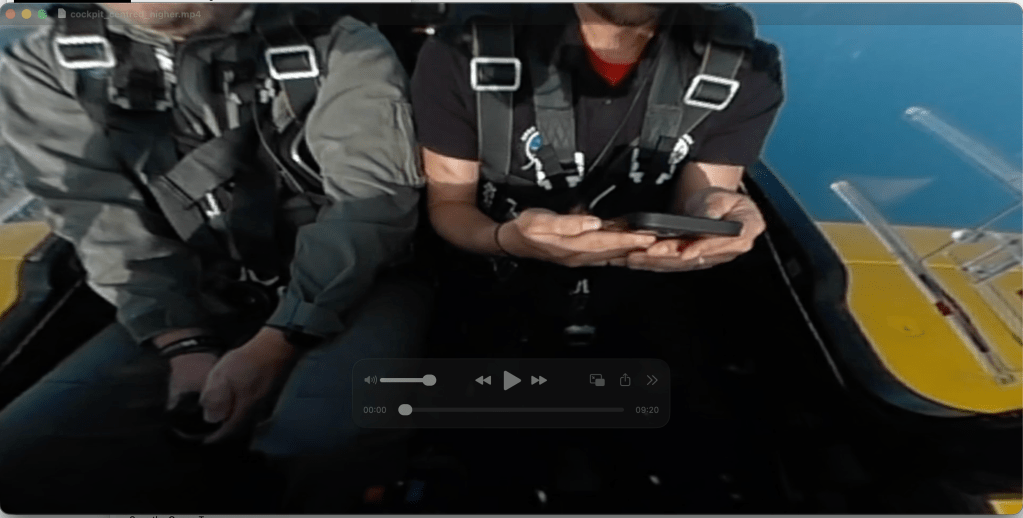
Eventually we found the right combination of parameters, and the results were great
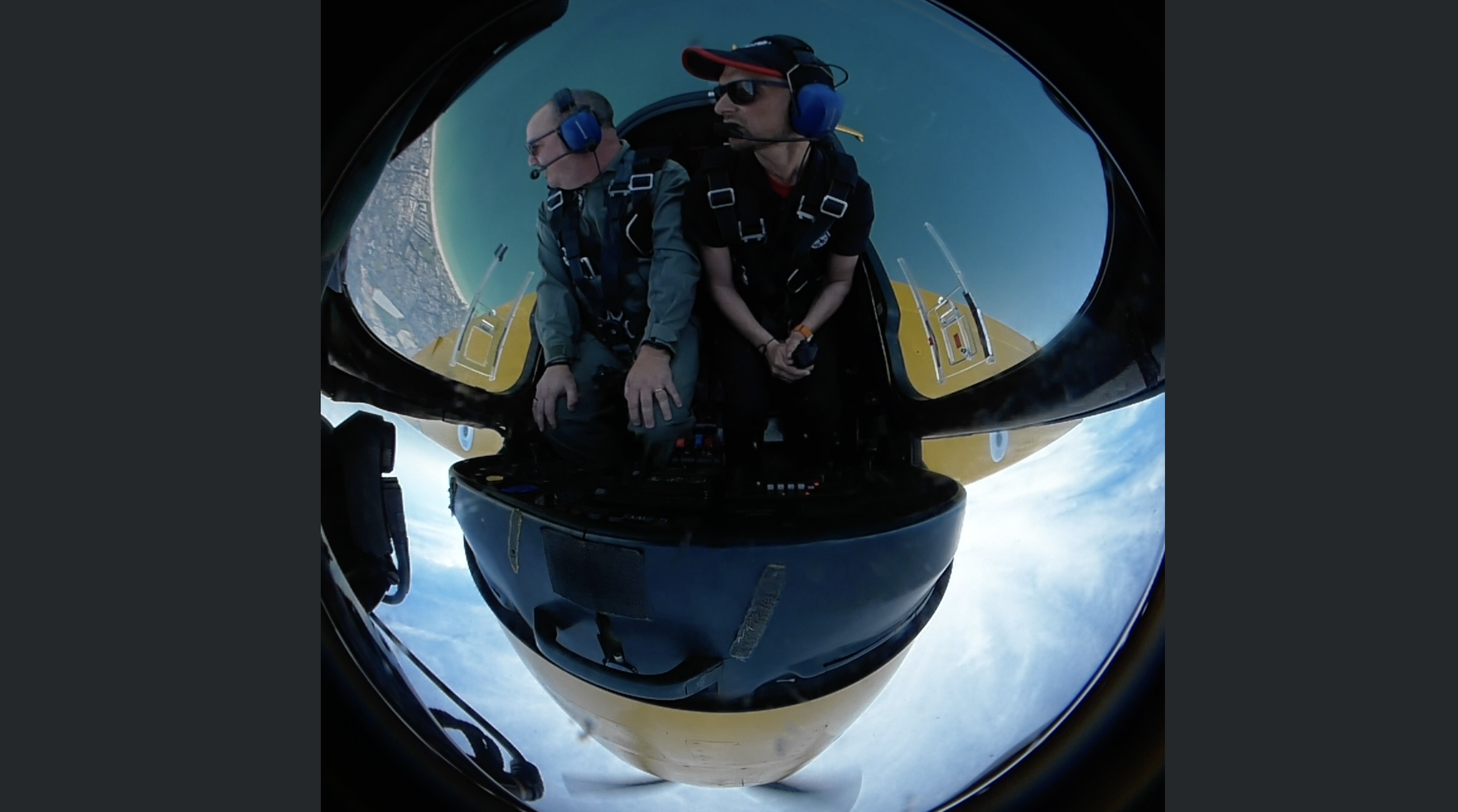
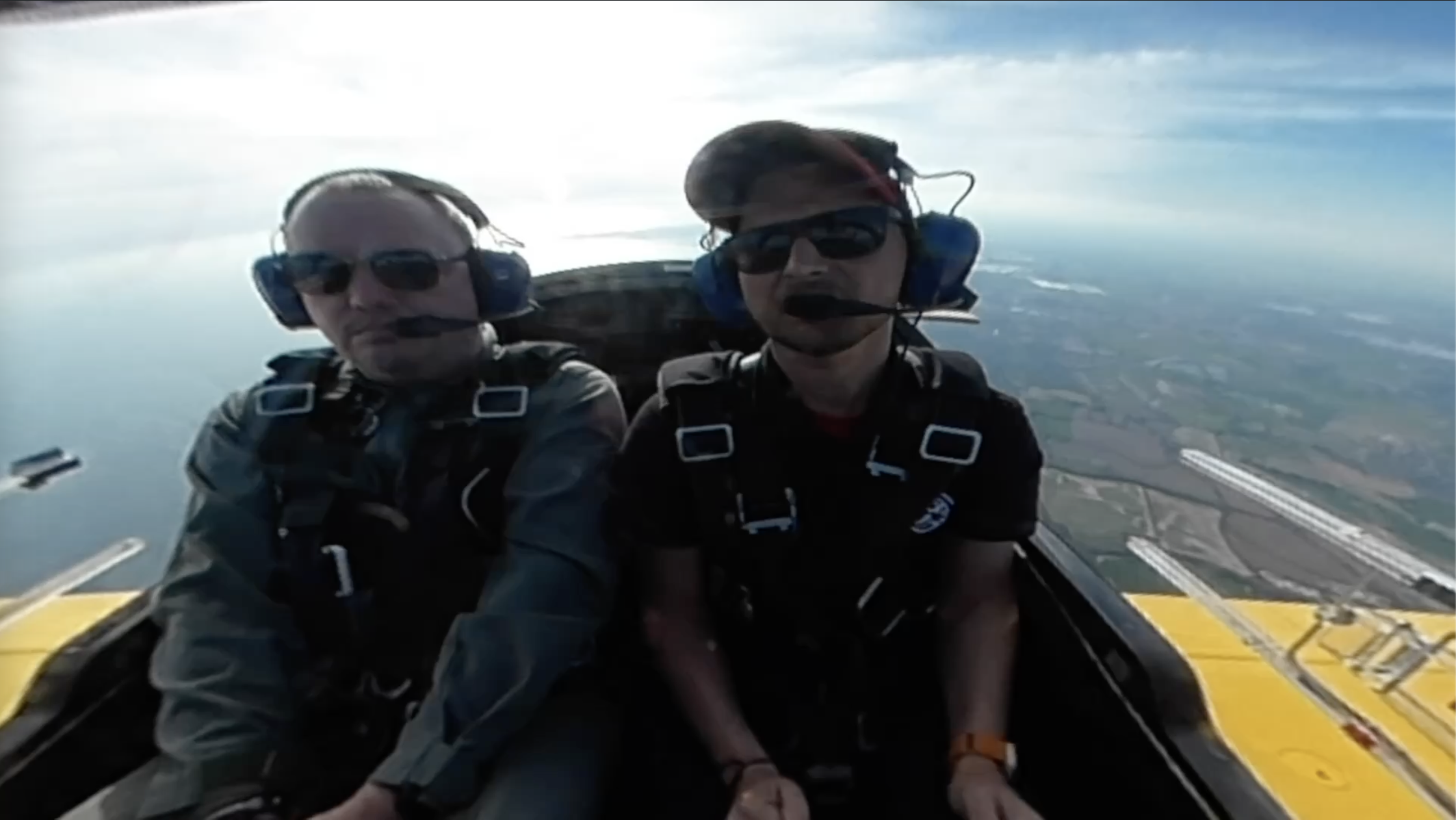
Quick Guide: Dewarp Fisheye or 360° Video Using FFmpeg on a Mac
1. Install command line tools
xcode-select –install
2. Install Homebrew
/bin/bash -c “$(curl -fsSL https://raw.githubusercontent.com/Homebrew/install/HEAD/install.sh)”
3. Install FFmpeg
brew install ffmpeg
4. Convert the video
ffmpeg -i input.mp4 -vf “v360=input=fisheye:output=rectilinear:fov=120” output.mp4
5. Adjust parameters until the view looks natural.
What I Learned
The funny thing about this process is that the solution wasn’t actually that complicated once I knew where to look.
The things I was missing a year ago were:
– the right terminology
– knowing FFmpeg had a filter specifically for 360 video
– having someone (or something) to iterate ideas with
In the end, what had previously taken hours of searching and downloading random apps turned into a fairly straightforward command‑line workflow.
And I finally have a properly dewarped video of a very memorable flight.
 Fordie's blog