
How I’m using tools like ChatGPT and Gemini to research, automate and figure things out quicker
I have always been fascinated by technology, and an early adopter. I got my first computer, a second hand ZX81 when I was about 8 or 9… My first mobile phone (a Nokia 2110) in 1994. I was early to social media too; somewhere in the first fraction of a percent of users on Twitter and among the earliest on Instagram. I like to get in early.
So it will be no surprise that I took an early interest in AI and LLMs. I signed up for ChatGPT before its public release back in August 2022. At first, I saw it as just a toy. I played with it for a bit, but then lost interest. In the last 6 months to a year though, it has become incredibly useful. Sometimes in some very unexpected ways.
When I came back to it I used ChatGpt mostly to help with my writing. Rejigging social media posts for different platforms, putting my thoughts into more professional language for work emails, working out Excel formulas and how to do complex (for me at least) pivots and links between sheets. Recently I used it to suss out how to dewarp a fisheye video.
I started to think “what else can it help me with?” and the answer is: almost anything you can think of.
For example…
Last year, my wife started selling some of her old clothes on Vinted. She saw other people were reselling things and decided to give it a go. We would spend a bit of time at the weekend rummaging through charity shops looking for bargains, bring them home and see if we could turn a profit. Initially this process was driven by gut instinct. ChatGPT (she now uses Gemini) has supercharged this.
We can take a photo of a garment, send it to an AI model, ask it to identify the item and suggest a potential resale value. I have tried to automate this process. I’m not quite there yet, but I think I can do it. In the meantime, the workflow is this.
- Photograph the item. Sometimes in the shop, but more often than not it’s after we have bought it.
- Ask the AI to identify it and suggest a resale value.
- The AI gives an assessment, suggests a price and generally will offer to create the vinted listing description for you.
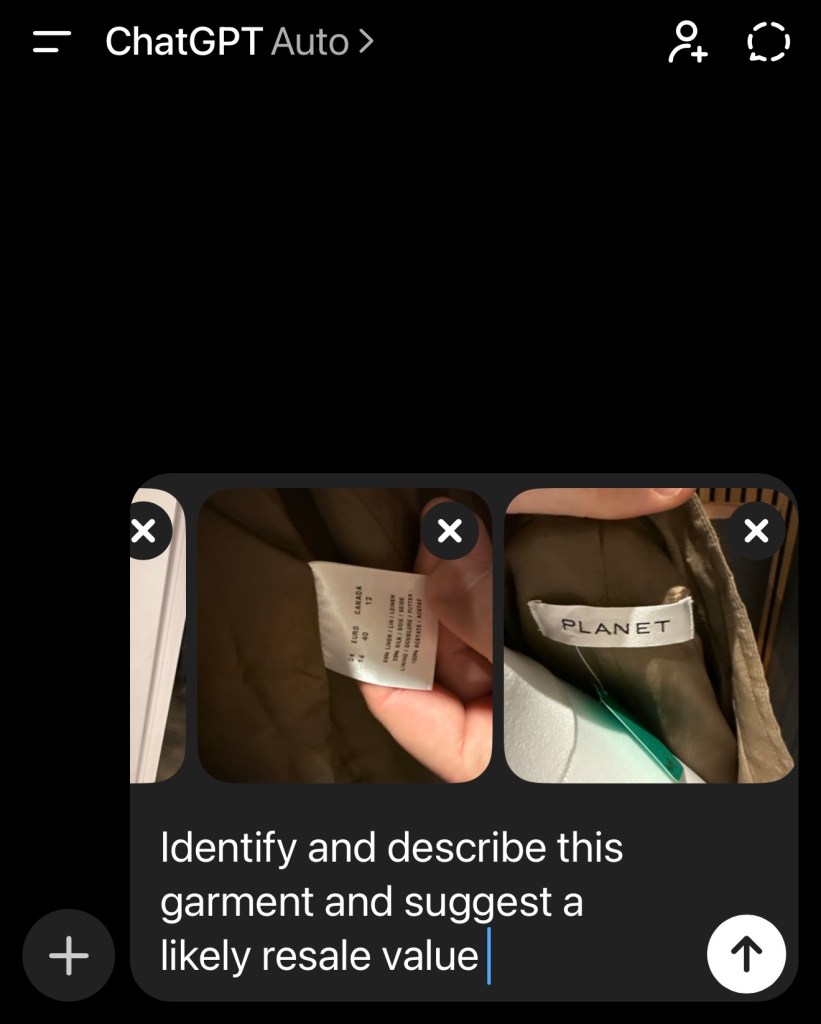
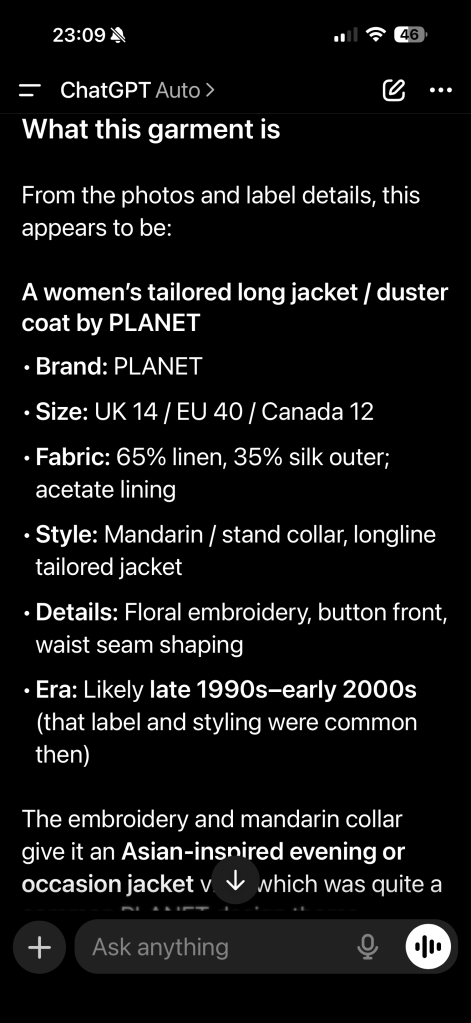
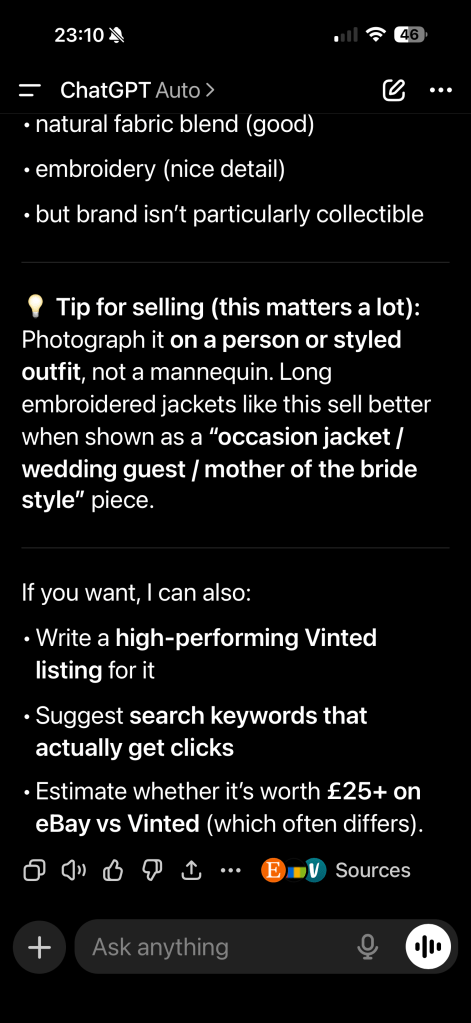
It has saved us hours of work. It’s also helped us verify some of our finds are genuine designer goods or vintage items.
Automate all the things!
In the last week, I have been doing a lot of research for a side project I hope to launch soon. I discovered that by using the ChatGPT Atlas browser, I could get the AI to do a lot of the repetitive tasks that would have taken me hours and ultimately meant that this side project would never see the light of day. In this case the process looks like this.
- Open Atlas and navigate to a site that you want to do some work in
- Open the Assistant and give it a prompt like
Search this site and find all the Smurf productsExtract the product details from each listing pageCreate a new Google Sheet with:- Smurf size- Hat colour- Manufacture date- Listing URL- Price
The assistant will merrily chug away through all the listing pages, extract the data and create your spreadsheet, or fill in forms on another site with the data, or almost anything else you can think of doing in a browser. Watching it work through dozens of pages on your behalf is quite something.
Large Language Model Chatbots are not the only game in town
I’ve been looking at other ways to try and improve my productivity using AI. I bought a Bee Pioneer from bee.computer.
It quietly listens to everything going on around you, summarises your day and suggests todos. I was quite taken with it to start with, but I soon realised that I wasn’t actioning many of the things it suggested so it was of little utilty. When Amazon bought the company, I decided to stop using it.
Yesterday I saw an ad for Snipd. It’s a podcast player, with AI features which transcribe the podcast you are listening to and it allows you to create “snips” by pushing a button, or clicking your AirPods. You can chat with it to iinterrogate episodes you have listened to (I haven’t tried this yet) and get AI summaries before you listen. I think the snipping feature could be really useful. I do most of my podcast listening on dog walks. If I hear something I want to look up later, chances are I have forgotten by the time I get home. I’m doing a week’s trial. I’m not sure it’ll be worth the £59 subscription a year, but we’ll see.
Guy Kawasaki was on this week’s episode of Intelligent Machines promoting his new book. The part of the interview I found interesting was where he spoke about kawasaki.ai
Guy created it using the ChatGPT engine training it on approximately 4,000 pages of transcripts from all his books, articles and his podcast. He says you can ask it anything, especially on evangelism, startups, venture capital, social media and storytelling and it will often answer better than he would.
What’s interesting to me is that AI isn’t replacing the things I do, it’s amplifying them. It takes the dull, repetitive bits of a task and gets them out of the way so I can focus on the interesting part.
I suspect we’re still very early in figuring out how to work alongside these tools. If the last year is anything to go by, the next few should be, to quote Spock… fascinating 🖖
 Fordie's blog